Your first image, step by step
From one photo
to a whole new scene.
You do not need to learn prompt writing. Pick a scene, upload a clear photo of yourself, paste the complete prompt, and send.
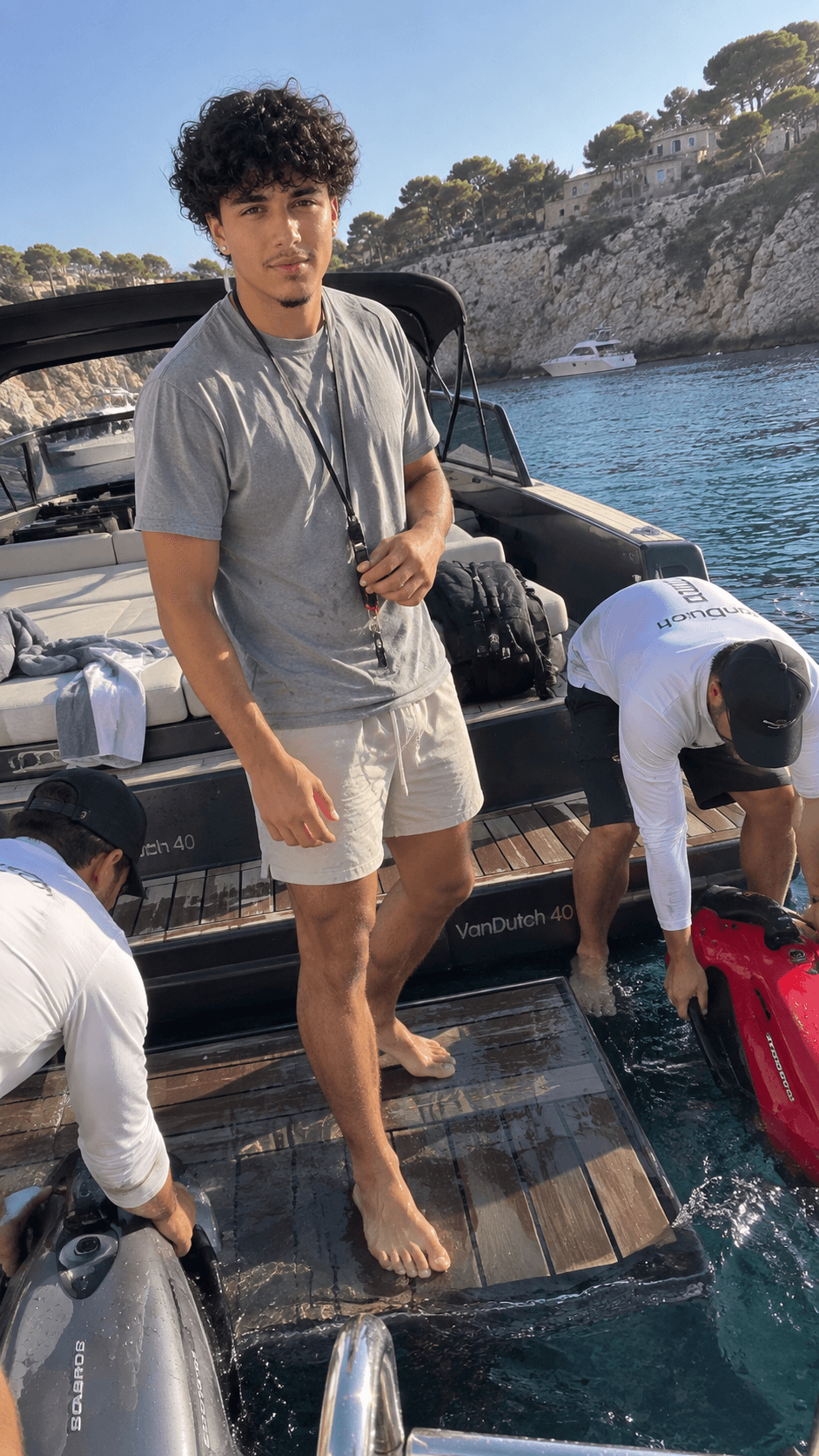
Before you begin
You only need three things.
- 01
A prompt pack
Your download arrives as a PDF. Every numbered scene contains one complete, ready-to-copy prompt.
- 02
One photo of you
Choose a recent photo of yourself to use as the identity reference for your new scene.
- 03
ChatGPT Images
Open a new ChatGPT conversation on web or mobile where image generation is available.
The exact workflow
Four steps. No guesswork.
Keep the prompt intact on your first try. It already includes the scene, identity direction, camera placement, lighting, and realism safeguards.
- 01
In your downloaded PDF
Choose the scene you want.
Browse the numbered ideas, then select and copy the entire prompt beneath the title. The title is a label; the full text is what creates the image.
Do this: Copy from the first sentence through the final instruction.SCENE 024A candid city arrival
Create one vertical 9:16 image with the immediate, unpolished character of a phone photograph...
Use the single uploaded reference photograph only to establish the identity of the principal subject...
Stage the scene with natural light, believable physical details, and a human, mildly off-centre viewpoint...
Complete prompt selected - 02
In a new ChatGPT conversation
Attach a photo of yourself.
Add your reference photo to the message composer. It tells ChatGPT who should appear; the prompt tells it what the new image should look like.
New chatChatGPT Imagesreference-photo.jpgPhoto attached✓Message ChatGPT+ - 03
In the same message
Paste the prompt, then send.
Place the complete prompt beneath the attached photo and send them together. There is no need to rewrite it or add a second instruction.
Keep it simple: One reference, one complete prompt, one generation.Your messageReady to sendCreate one vertical 9:16 image with the immediate, unpolished character of a phone photograph...
Use the uploaded reference photograph only to establish the identity of the principal subject...
- 04
When the image appears
Save it or make another.
Download your finished image, choose another scene from the pack, and repeat the same simple process whenever you want a new photo.
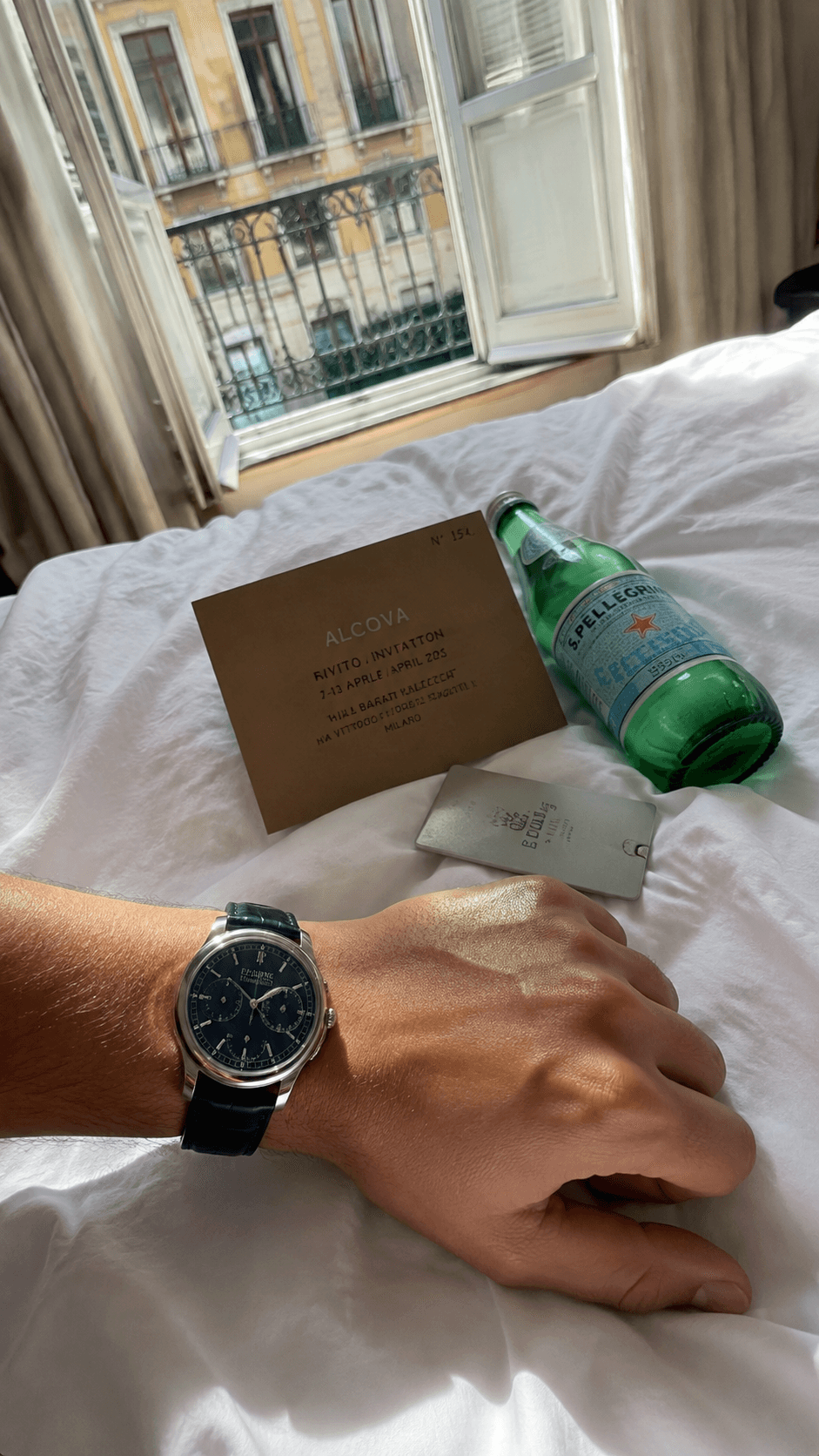
- Image generated
- Save your photo
- Pick your next scene
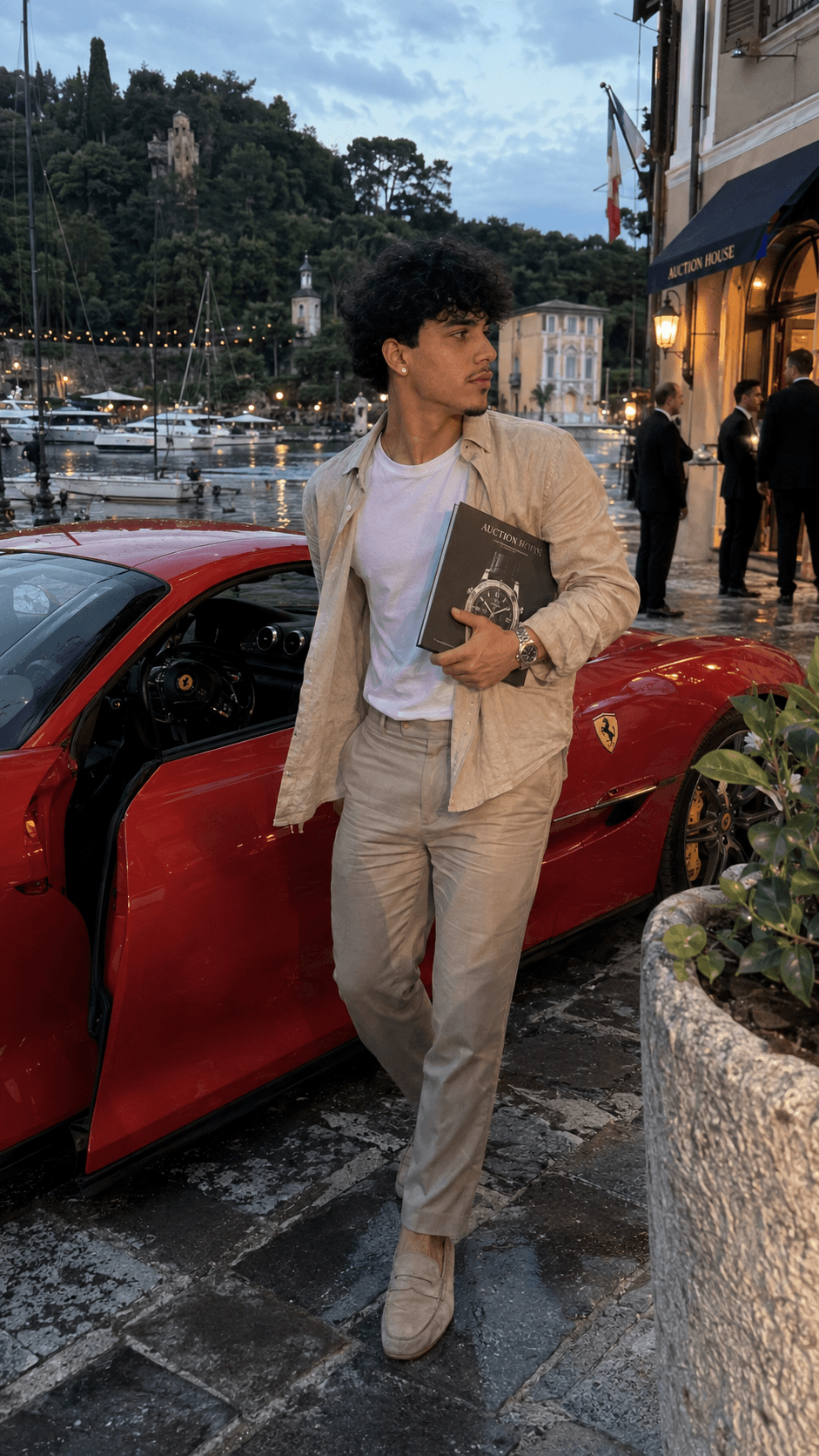
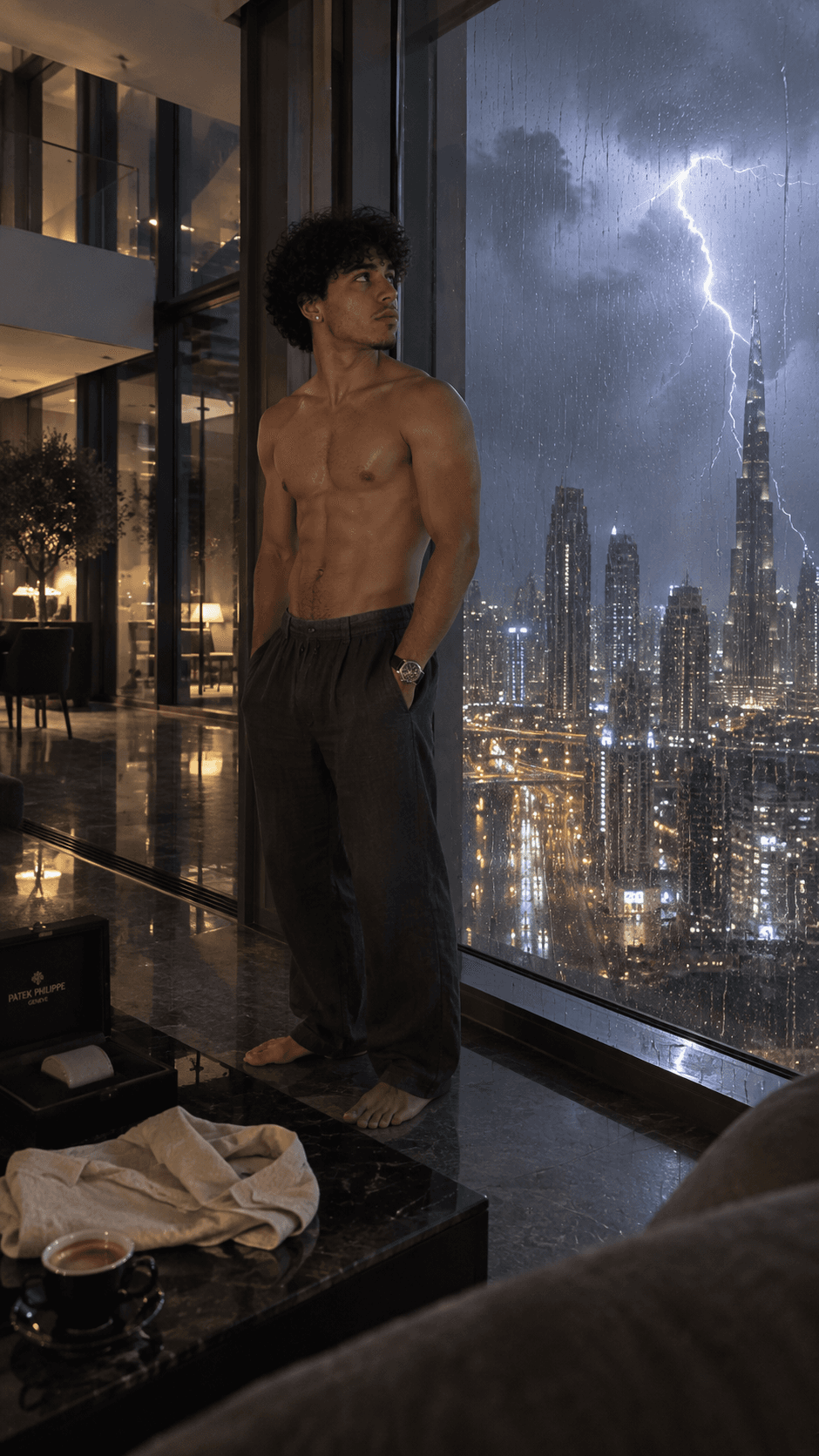
Ready when you are
Pick a scene.
Make it yours.
The Complete Collection gives you 500 ready-to-copy scenes across all 5 packs, with the quick-start guide included in every PDF.
- 500 complete prompts
- 5 focused digital PDFs
- One-time purchase